
AI tools
Every ApparelAI tool in one place: ghost mannequin, background remover and changer, lookbook generator, sketch to garment, color variation and outfit builder.
Besides photoshoots, ApparelAI Studio has a set of AI tools for everyday catalog work: lookbooks, videos, ghost mannequin shots, background edits, color variations and styled outfits. Each tool does one job and uses credits each time you run it.
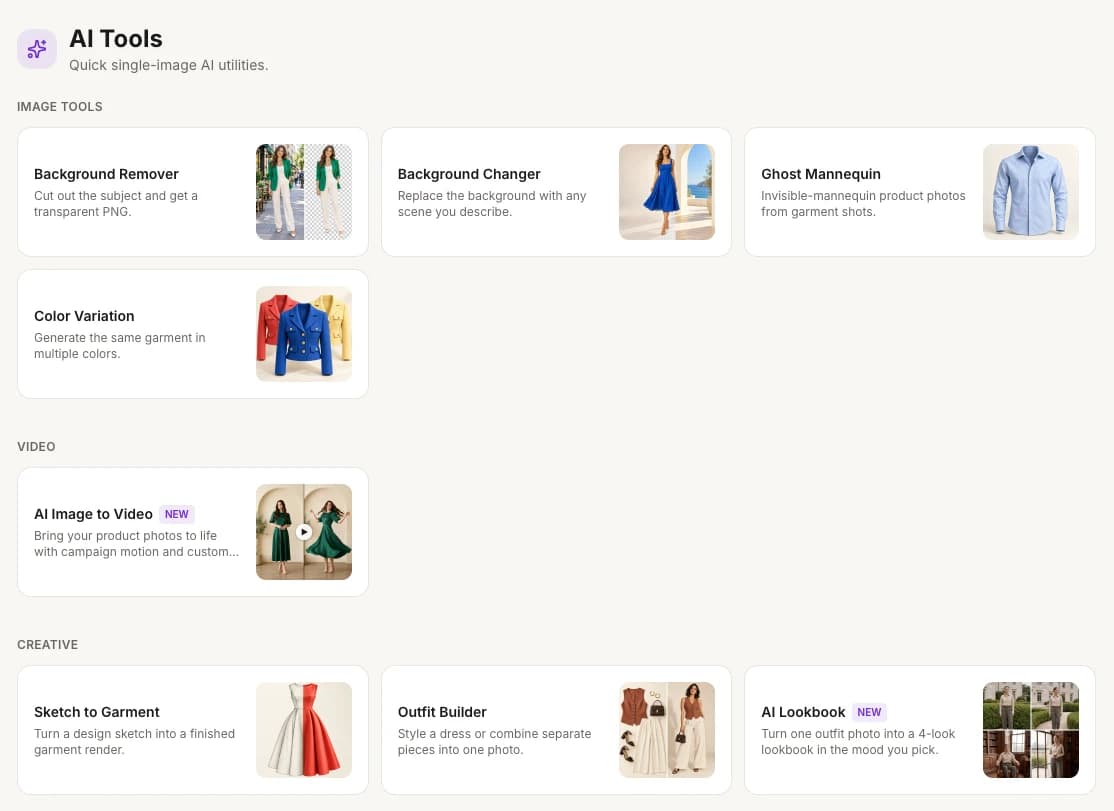
Open AI ToolsOn the web, select AI Tools in the sidebar. The tools are grouped under IMAGE TOOLS, VIDEO and CREATIVE. Home also shows six of them under AI Tools. Select View all → there to see every tool.
All tools
The tools are listed in the same order as on the AI Tools page.
| Tool | What it does | Typical use | Credits |
|---|---|---|---|
| Background Remover | Removes the background and gives you a transparent PNG | Product cutouts for listings; model photos for your own layouts | 1 in the app; free with limited use on the website |
| Background Changer | Puts your photo in a new scene, from a reference photo or a description | Seasonal scene swaps; testing different lifestyle scenes | 2 at 2K |
| Ghost Mannequin | Makes invisible-mannequin product shots, with front, back and side views | Marketplace listings that need ghost mannequin shots | 2 at 2K for the front view |
| Color Variation | Renders the same garment in up to 6 colors in one run | Launching one style in several colorways; showing every color in a listing | 2 at 2K for one color |
| AI Image to Video | Turns one fashion or product photo into a short video | Product page videos; Reels, Stories and TikTok clips | 3 per second of video |
| Sketch to Garment | Turns a design sketch or technical flat into a realistic image of the finished garment | Seeing designs before sampling; reviewing collections | 2 at 2K |
| Outfit Builder | Styles a dress, or combines a top with an optional bottom, shoes, accessories and a model, into one photo | Shop-the-look photos; lookbooks built from single-product shots | 2 at 2K |
| AI Lookbook | Turns one outfit photo into a lookbook image with four looks, in the mood you pick | Instagram posts, carousels and stories; lookbook sections on product pages | 2 at 2K |
Background Remover costs 1 credit and has no options. Every other image and creative tool has a Resolution menu with 1K (fastest), 2K (balanced) and 4K (premium), and costs 2 credits at 2K (balanced), which is selected at first. The button that runs a tool shows the cost, such as 2 cr, before you start. Videos are priced by length: see Turn a photo into a video. For how credits work in general, see How credits work.
Which plans include the tools
The free plan includes 3 credits a month, so you can try the tools before you choose a plan. See Free plan credits. To check which paid plans include each tool, see Compare plans or the pricing page.
Tool history
Every tool run is saved in Tool history, newest first, so you can come back to a result later. To open it, select History → at the top right of any tool page. On the AI Image to Video page, the link is called Your videos.
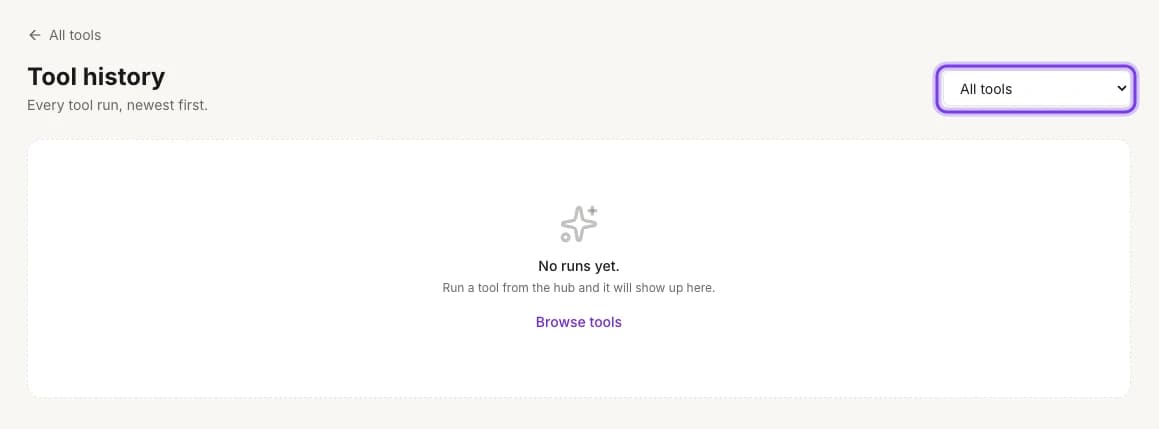
Open Tool history- To see the runs of one tool, pick it in the filter at the top right. All tools is selected at first, and every tool is in the list, including AI Image to Video.
- Before your first run, the page says "No runs yet." Select Browse tools to go back to the tools.
Free background remover on the website
You can remove backgrounds on the ApparelAI website without signing up. Free use is limited, and you'll complete a security check before your photo is processed. When your free use runs out, sign in to get free credits and keep going in ApparelAI. See Remove a background.
Related
Videos from a photoshoot
Bring your photoshoot to life: create videos from project photos with the same AI model, including UGC Styling Tip videos where the model talks to the camera.
Create a lookbook
Turn one outfit photo into a four-look fashion lookbook styled in the mood you choose, ready for Instagram carousels, stories and collection pages.